
Guide to the Online ICBC Knowledge Tests
Think back to the day you went to get your learner’s licence. Remember sitting in that crowded office, flipping through a paper guidebook, and feeling your palms sweat while waiting for your number to be called? It is a classic rite of passage for every driver, but things just got a whole lot more comfortable. Thanks to a brand-new update from ICBC, you can skip those long line-ups entirely and study from your kitchen table using our online driving practice tests before taking your actual knowledge test right from the comfort of home.
We will cover how this new system works so you can take your knowledge test without any hiccups. This guide goes over who can take the new online test, the computer gear you need, how the registration and login process works, and what steps you still need to complete in-person afterwards.
Who is eligible to take the ICBC online knowledge test?
British Columbia residents who are at least 16 years old can take their learner’s knowledge test online for passenger vehicles and motorcycles. This at-home option applies directly to Class 5/7 and Class 6/8 licences. However, people trying to get a commercial licence still need to do their testing in person at an office.
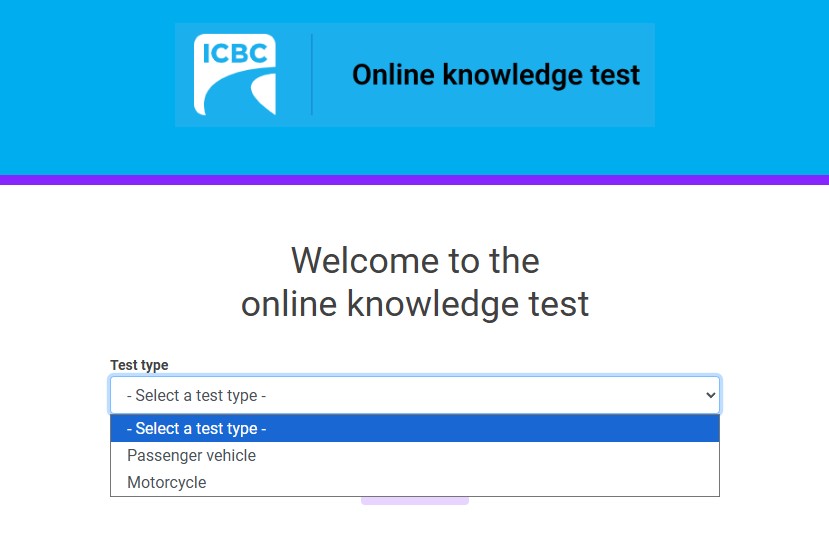
This change is a major relief for new drivers who are eager to get their “L” without spending hours waiting around a busy office. Whether you are a high school student getting ready for your Class 7 or if you’re looking to pick up your Class 6/8 motorcycle licence, you can log on whenever it suits your schedule. It is especially helpful if you live further away from an ICBC driver’s licensing office, where a trip can take up half your day. The goal here is to free up office staff so they can focus on processing road tests and helping clients with in-person licensing needs. For anyone going for commercial training, such as the mandatory entry-level training (MELT) for driving a heavy truck or a transit bus, still requires the traditional in-person written exam. Drivers looking to get the Air Brake Endorsement or Heavy Trailer Endorsement still need to visit ICBC in-person as well.
What computer set-up do you need to take the ICBC knowledge test at home?
You must use a desktop or laptop computer with a keyboard, mouse or trackpad, and a working webcam to take the online knowledge test. Smartphones, tablets, and mobile devices are not allowed under the new rules. Your computer also needs a stable internet connection.
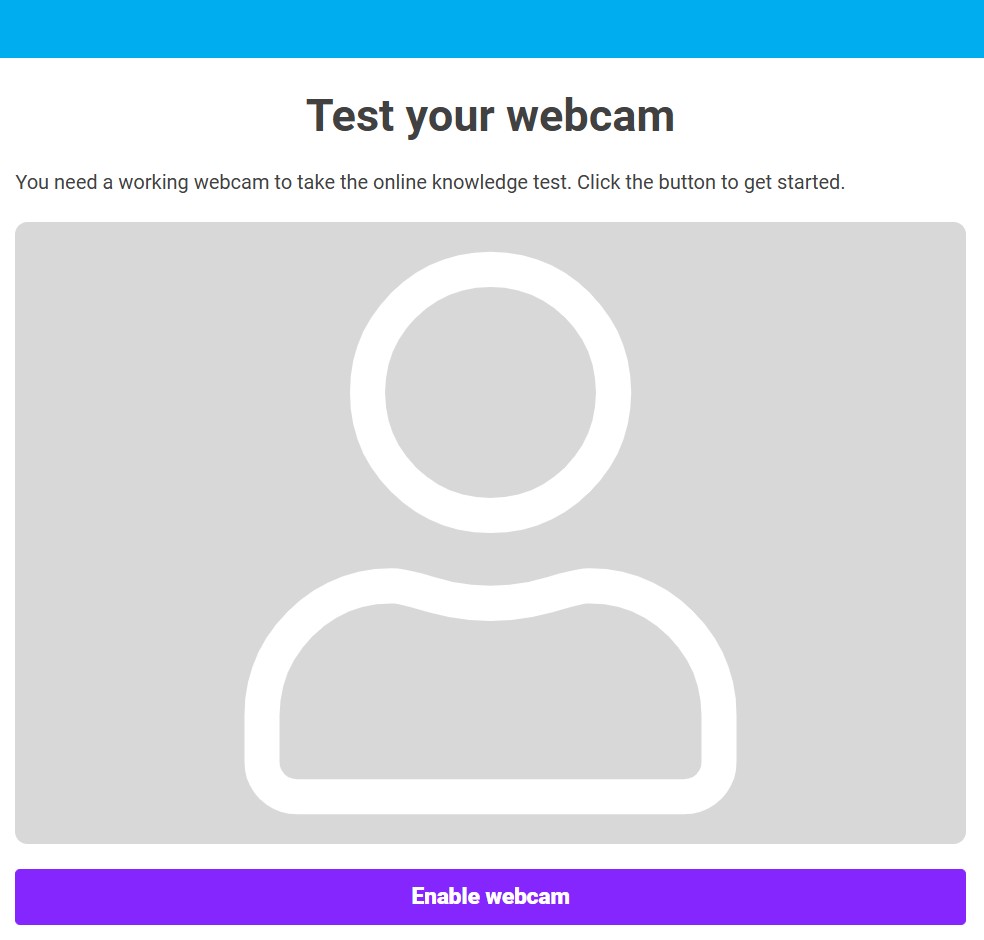
Setting up your testing space correctly is a big part of having a successful experience. ICBC uses a digital monitoring platform called Neumo to keep the testing process fair and secure for everyone across the province. This system keeps your webcam turned on for the 45-minute session to verify your identity and ensure nobody is helping you behind the scenes. It tracks things like mouse movements and checks your camera feed for any signs of outside help. Because of this tracking, you want to set yourself up in a quiet room with good lighting where family members, friends, or pets will not walk into the frame and cause an automatic failure. Before you log in, make sure your computer is plugged into a reliable power outlet and that your internet connection will not drop out halfway through your questions.
Need a Quiet, Reliable Setup for Your Online ICBC Knowledge Test?
If you are preparing to take your ICBC knowledge test online but don’t have access to the required technology or a distraction-free space at home, Valley Driving School has you covered. We are excited to introduce our new dedicated ICBC Knowledge Test Facility, designed specifically to help you seamlessly meet all of ICBC’s remote testing requirements. Our testing spaces in Coquitlam, Langley, Abbotsford and Chilliwack provide a quiet, uninterrupted environment, a stable high-speed internet connection, and the necessary computer and webcam equipment, allowing you to focus entirely on passing your exam.
Taking the test at our facility removes the stress of worrying about household distractions or technical glitches on test day and our convenient facility booking ensures you have a professional, ready-to-go setup. You can view our available locations, pricing, and reserve your testing spot today by visiting our ICBC Knowledge Test Facility page.
How do you register and log into the BC learners licence knowledge test online?
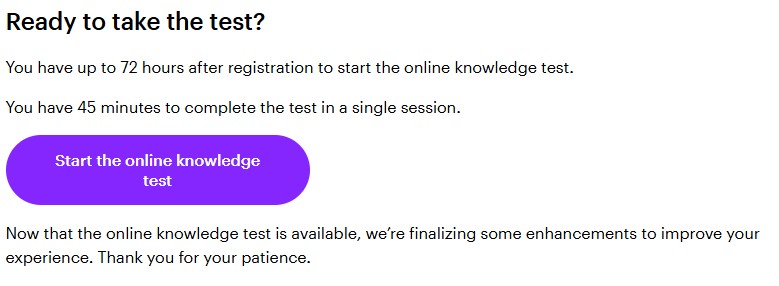
You can find the knowledge test link on ICBC’s website. Then you will need to register with an email address, a piece of accepted primary identification, and you will need a valid credit card to pay the $15 fee online. Once you pay, ICBC sends a secure link that stays active for exactly 72 hours. You must complete the test in one single session.
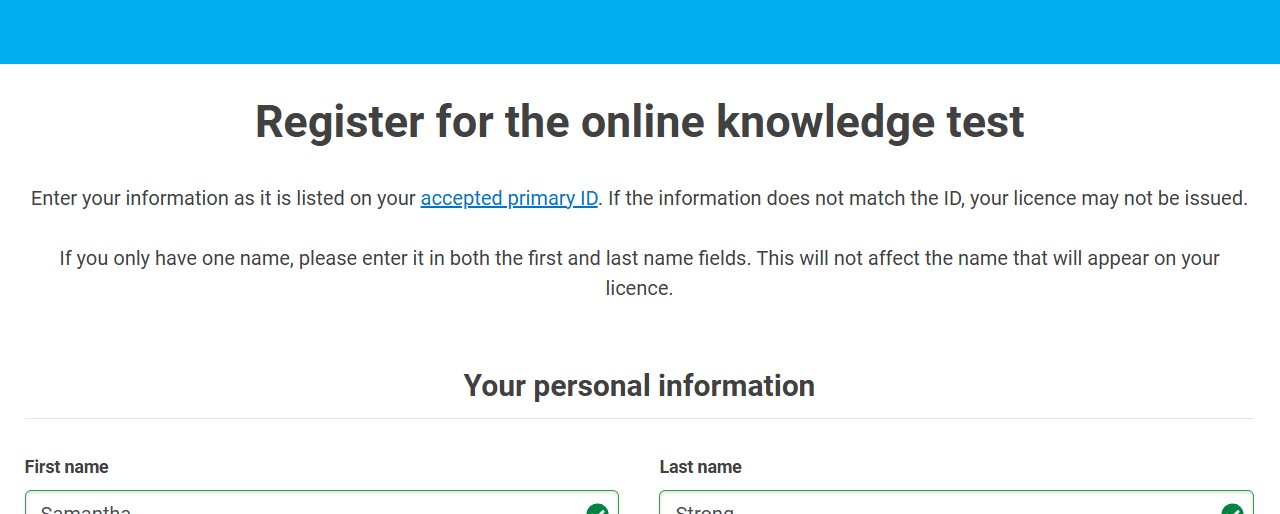
The registration information needed should be the information related to the driver/rider – not a parent or other guardian. There are many options available for a piece of primary ID, but whatever you choose be sure to have it on hand so you can confirm the information matches correctly. You will also need to read and accept a couple different terms and conditions; these include Test Information regarding how to navigate around the test itself, as well as how to avoid incurring infractions and getting disqualified from the test. Make sure to read these terms and conditions thoroughly, and you know what you are responsible for during the testing. If test takers fail or get disqualified, they will have to wait 24 hours and pay another testing fee to try again online. If a user gets disqualified three times, the system locks them out from online testing for six months.
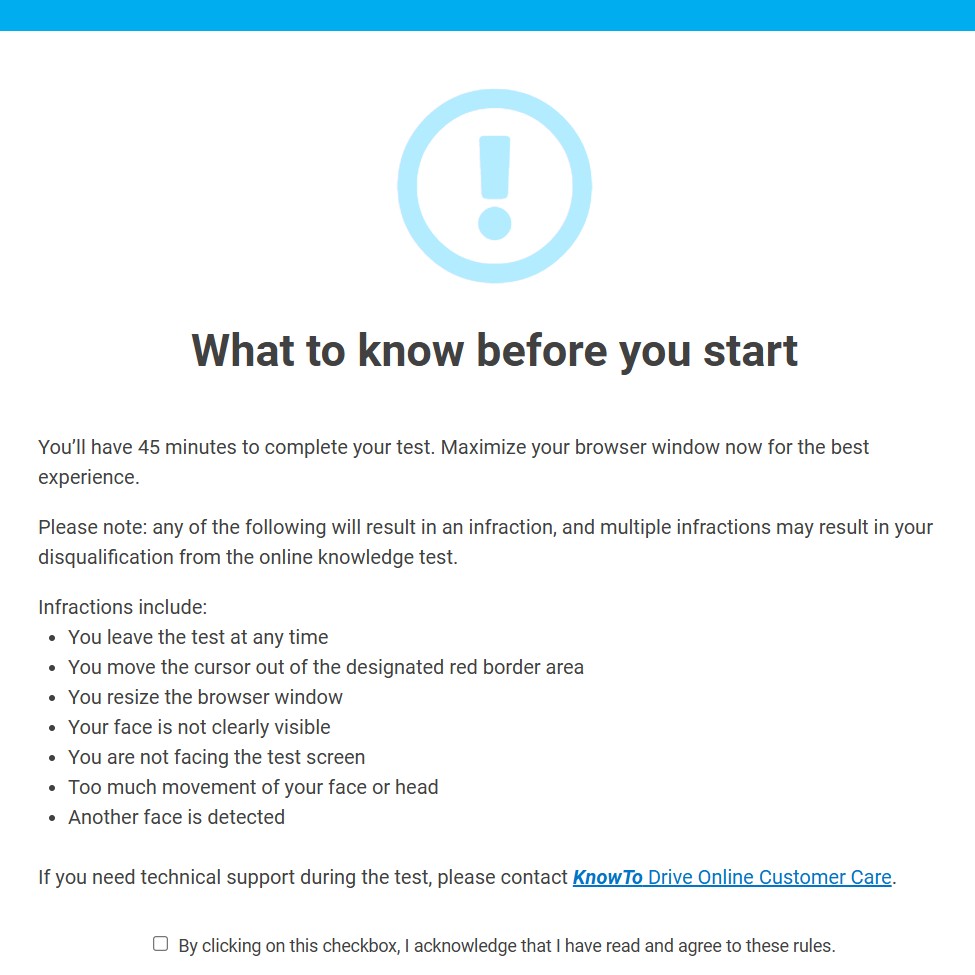
The $15 test fee is also due before you begin the knowledge test. Payment can be processed with a credit card, and the credit card does not have to belong to the test taker. Once you have progressed through the registration, terms and conditions, and the payment, you can start test and a 45-minute timer begins, just like when you’re at the the clock at the computer terminals in a licensing office.
The test contains the same pool of questions as the traditional version, and you still need to score at least 80% to walk away with a pass. To make the process accessible for our diverse communities, the system lets you choose from 12 different languages including English, Punjabi, Chinese, and Spanish.
What steps must you follow after passing the online knowledge test?
Passing the online knowledge test means you completed the academic portion, but you are not legally allowed to drive yet! You still must visit an ICBC driver licensing office in-person to complete a vision screening, verify your identity, and pay for the actual learner’s licence card.
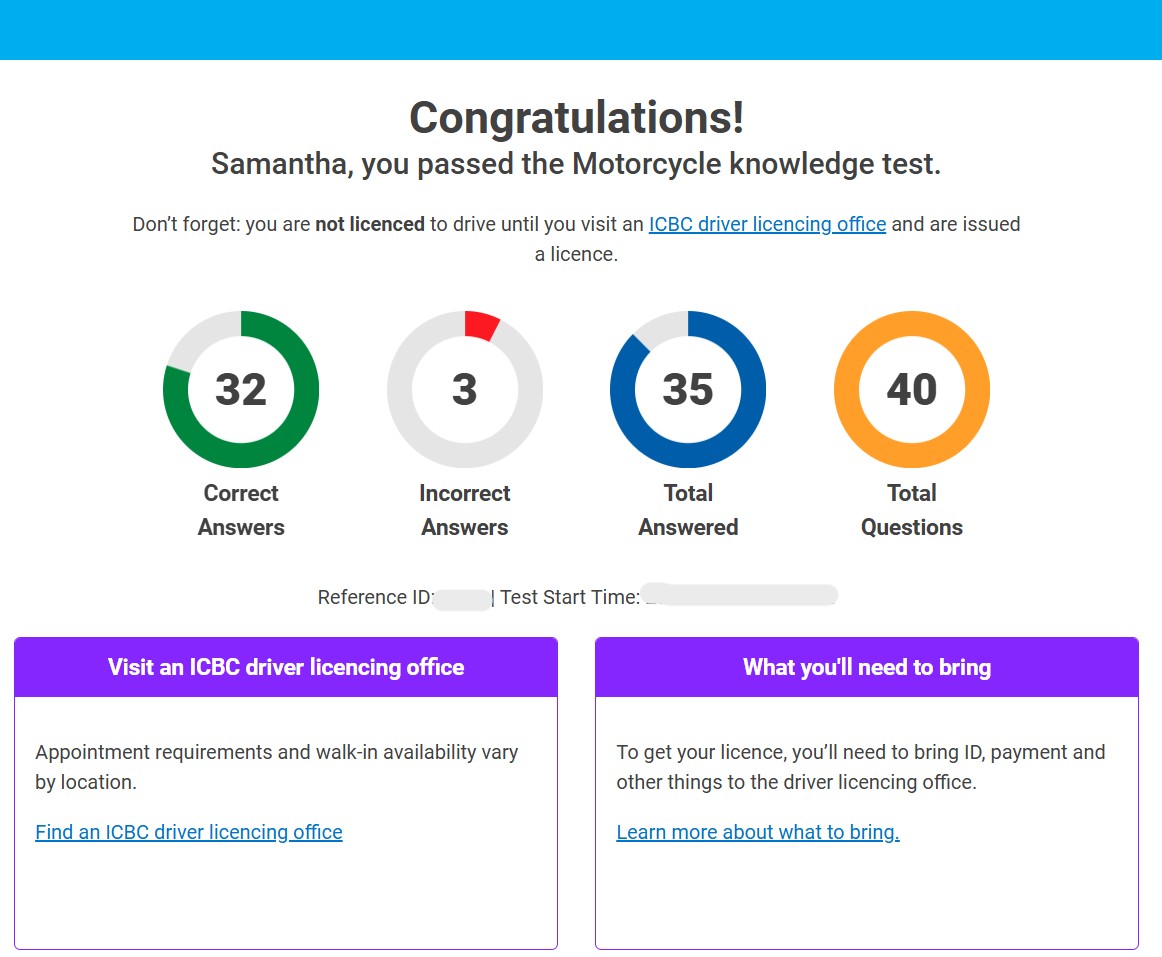
Think of the at-home test as step one of a two-step system. Once you get that “passed” email notification, you should print it out or keep a digital copy handy on your phone. Then, you will want to book a brief appointment at a local office, whether that is downtown Langley or over at the licensing center in Chilliwack. When you go to your appointment, you need to bring two matching pieces of identification, including the same primary identity document you used during your online registration. For teenagers under the age of 19, a parent or legal guardian needs to come along to sign the consent form, or you can bring a pre-signed copy with an original signature. You will do a quick eye check, snap your photo for the card, and pay the licensing fee, which is separate from the fifteen dollars you paid for the online test. Once the clerk hands you that paper interim licence, you are officially ready to hit the road with a qualified supervisor.
Why should you use our practice tests before taking your learner’s test?
Using our online practice tests helps you learn the rules of the road and get comfortable with the variety of question types before spending money on the official exam. Preparing ahead of time builds your confidence, saves you cash, and prevents the frustration of waiting out the mandatory 24-hour retake penalty.
Even though you can now take the test in your favorite armchair, the questions still require a solid understanding of safe driving habits. Using our free online tools gives you a look at the knowledge you’ll need and builds real confidence in the knowledge you already have. It is a smart way for new drivers to study traffic signs, right-of-way rules, and turning laws without any pressure. If you’re unsuccessful during the official knowledge test, those fifteen-dollar fees can add up quickly, and nobody wants to deal with the disappointment of a locked account. By treating our practice tools like the real thing, you’ll have unlimited opportunities to get 100% before attempting ICBC’s test – online or in-person!
Once you’ve successfully completed the knowledge test and have your learner’s licence in hand, you can focus on the fun part of getting behind the wheel. You can get comfortable gauging your distances and learning how to safely share the asphalt with big agricultural tractors on our local backroads.
–
The new online testing system makes starting your driving journey easier and more convenient than ever before. With plenty of practice beforehand, the right computer setup, and a quiet room, you can successfully earn your “L” without the usual office stress.
Taking advantage of this modern system means you can focus on learning the material at your own pace. Be sure to spend some time with our online practice tests to confirm you know your stuff before paying that registration fee. If you want more excellent advice on navigating the licensing system or staying up to date with provincial changes, we invite you to read through our other helpful guides, including Tips to Prepare for the Class 5/7 Learner’s Test and Transfer Your Driver’s Licence to BC: Car Licences.

Related Articles
How Do The GLP Changes Affect Your Licence?
Received an official ICBC letter about upcoming graduated licensing changes? Check how updated restriction codes and driving record rules impact your licence.

6 Tips to Prepare for the Class 5/7 Learners Test
If you’re itching to get behind the wheel of a car in the province of British Columbia, you’ll first have to successfully complete the ICBC knowledge test. The class 5/7 knowledge test, issued by ICBC, is the first stage in attaining your licence. In this post, we’ll discuss what to expect on that test and some ways to help you prepare!
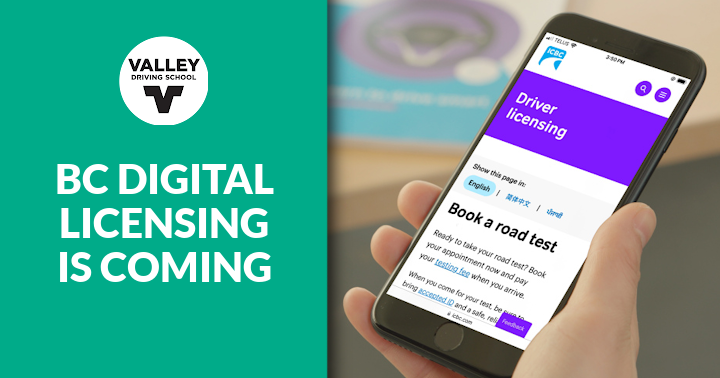
BC Digital Licensing is Coming: What You Need to Know
We're looking at the modernization of BC's licensing system under the Bill 6 Motor Vehicle Amendment Act, including the shift toward online licence renewals.
